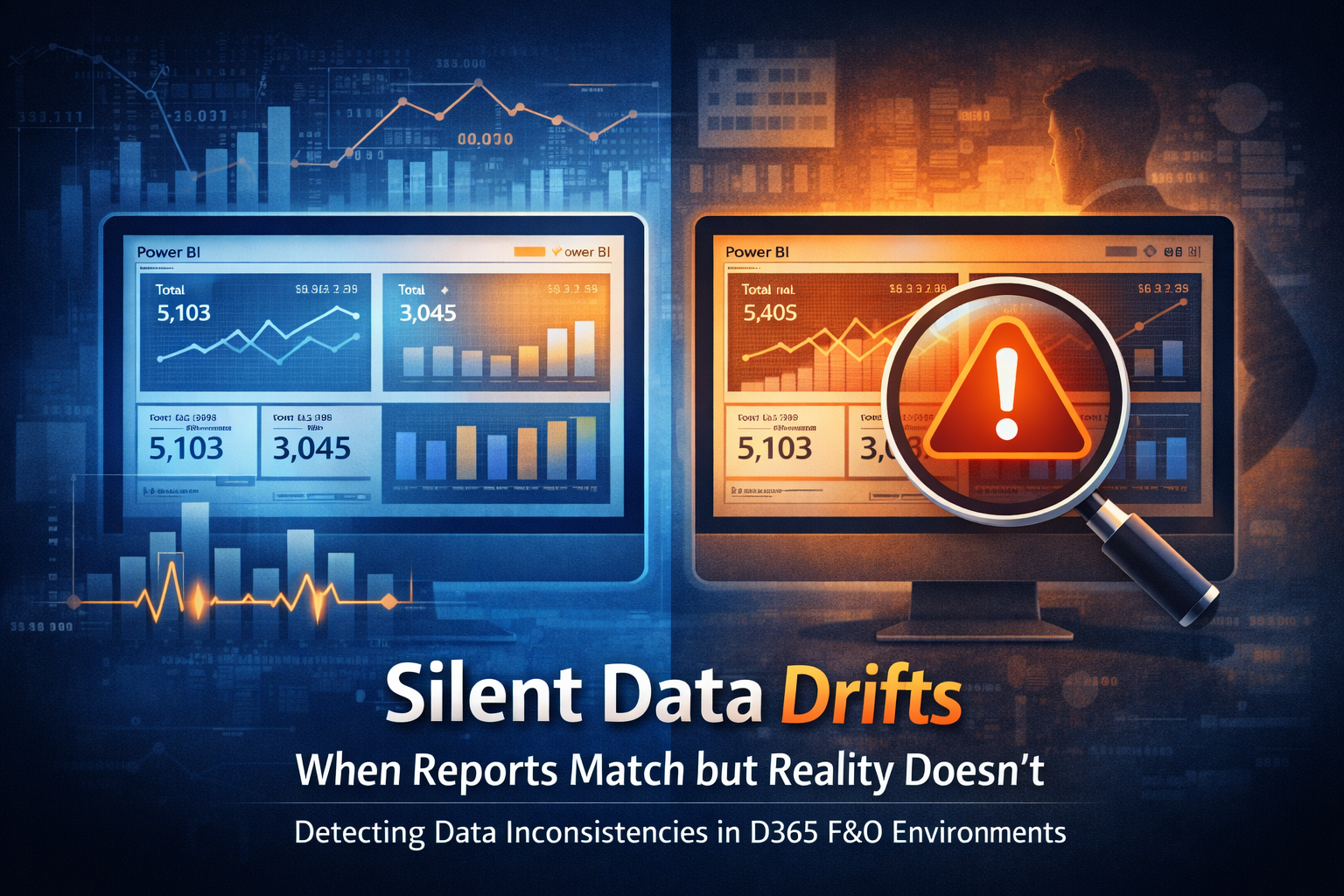
Silent Data Drifts — When Reports Match but Reality Doesn’t
One of the most dangerous situations in a Dynamics 365 Finance & Operations environment is not when reports are obviously wrong.
It’s when everything looks right.
Totals match. Dashboards refresh. Users trust the numbers.
Yet decisions slowly start to drift away from reality.
This week’s insight focuses on silent data drift — a condition where data appears consistent across systems, but no longer represents what is actually happening in production.
What silent data drift really means
Silent data drift occurs when:
- Source data changes subtly over time
- Reporting systems continue to function normally
- No single failure or alert is triggered
- Business users continue
to trust the output
Nothing breaks loudly.
Nothing fails obviously.
Instead, accuracy erodes gradually — often unnoticed for weeks or months.
Why this happens in D365 F&O environments
Modern D365 F&O landscapes are rarely simple.
Data commonly flows across:
- Production D365 F&O
- BYOD or Azure SQL
- Power BI datasets
- Downstream integrations and extracts
Each layer introduces opportunities for drift, especially when timing, retries, or partial failures are involved.
The system keeps running — but truth slowly diverges.
Common sources of data drift
Several patterns repeatedly show up in production environments.
Delayed writes
Data is committed later than expected, but reports refresh on fixed schedules.
Partial failures
Some records fail or retry silently, creating gaps that appear valid at aggregate levels.
Time window mismatches
Data exists, but falls outside reporting filters or refresh cutoffs.
Retry masking
Retries eventually succeed, but timestamps and ordering shift.
Assumed completeness
Reports assume “successful batch = complete data,” which is not always true.
None of these cause immediate failure — which is exactly why they are dangerous.
Why totals can still look correct
One of the reasons data drift is so hard to detect is that aggregates can still align.
Totals, counts, and summaries may appear correct even when:
- individual records are missing
- timing is misaligned
- transactions belong to the wrong period
- values were corrected after reporting snapshots
The report is mathematically correct — but operationally misleading.
Why reporting systems don’t warn you
Reporting tools are designed to visualize data, not validate truth.
Power BI, for example:
- assumes the data source is authoritative
- does not understand business intent
- does not know when “complete” actually means complete
If data loads successfully, reports render successfully — even if the underlying data is subtly wrong.
How silent drift shows up in the business
Silent data drift usually surfaces indirectly.
Common symptoms include:
- Finance questioning numbers that “used to be stable”
- Operations noticing delays that reports don’t reflect
- Compliance reviews uncovering inconsistencies
- Teams losing confidence in dashboards without knowing why
By the time someone asks, “Can we trust this?”, the drift has often existed for some time.
Detecting drift before it becomes visible
Catching silent drift requires intentional validation, not more dashboards.
Effective strategies include:
- Reconciling record counts between source and reporting layers
- Tracking late-arriving or corrected transactions
- Monitoring batch completion versus data availability
- Comparing expected versus actual processing windows
- Using telemetry to validate end-to-end completion, not just job success
The goal is not perfection — it is early awareness.
Telemetry plays a role here too
Telemetry can help bridge the gap between “job succeeded” and “data is trustworthy.”
Useful signals include:
- batch end time versus report refresh time
- retries and partial completions
- delayed data availability patterns
- volume anomalies compared to historical baselines
Silent drift becomes visible once behavior is measured, not assumed.
Final thoughts
Silent data drift is not a reporting problem.
It is a system truth problem.
The most dangerous issues in D365 F&O environments are often the quiet ones — the ones that don’t fail, don’t alert, and don’t look wrong at first glance.
Key takeaway:
If reports are never questioned, that is not a sign of accuracy — it is a signal to verify.