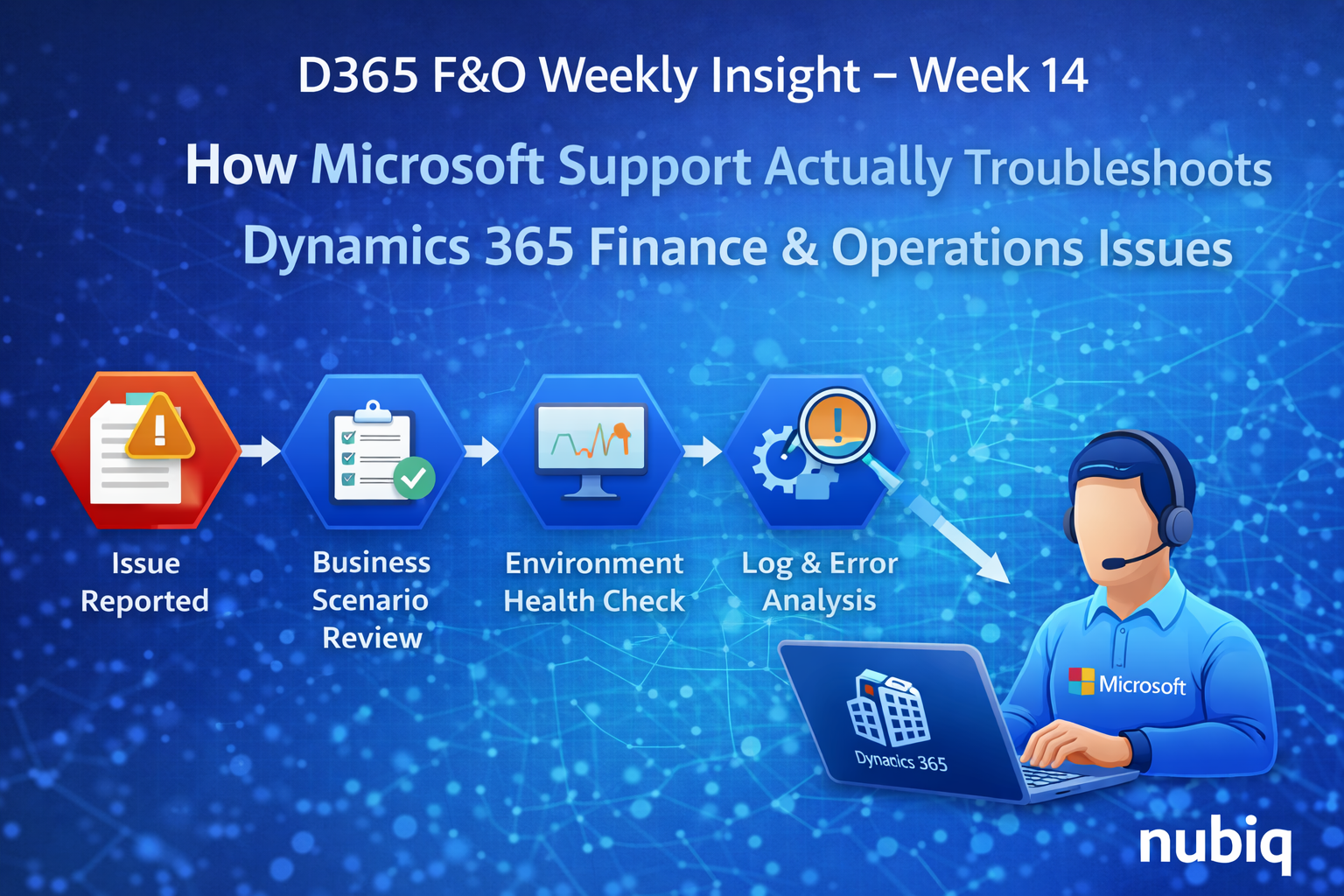
How Microsoft Support Actually Troubleshoots Dynamics 365 Finance & Operations Issues
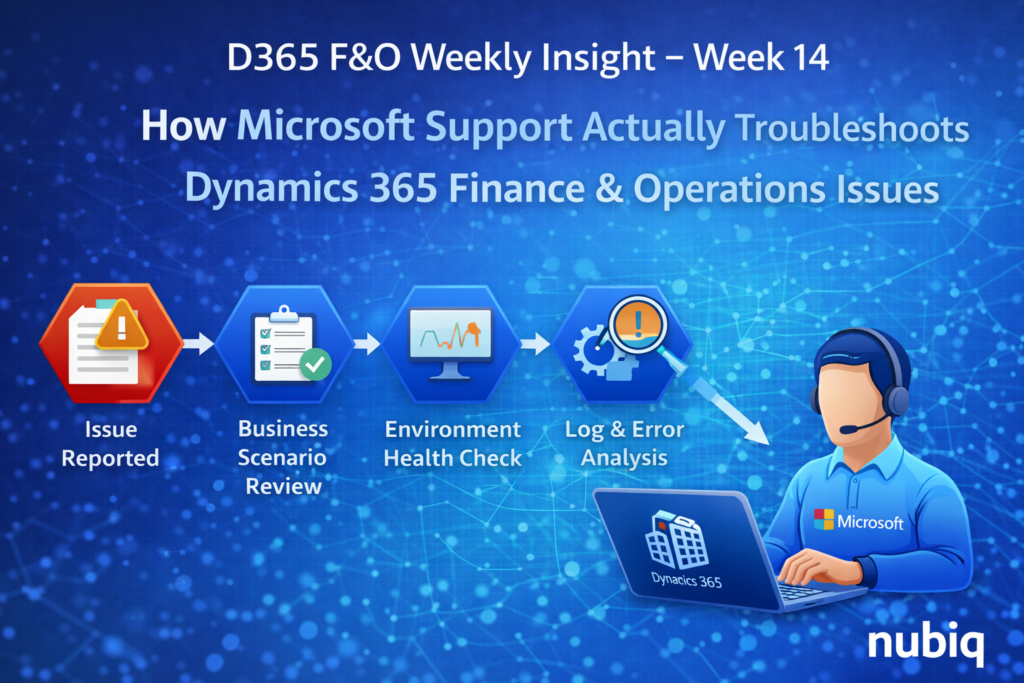
In large Dynamics 365 Finance & Operations environments, production issues occasionally arise that require deeper technical investigation.
When these situations occur, organizations often engage Microsoft Support to help diagnose the root cause.
From the outside, it may appear that Microsoft simply reviews error messages or logs. In reality, the troubleshooting process often involves a combination of system telemetry, environment diagnostics, data analysis, and architectural review.
Understanding how Microsoft approaches troubleshooting can help enterprise teams prepare better diagnostic information and resolve issues more efficiently.
In this week’s insight, we look at the typical technical investigation approach used when troubleshooting D365 Finance & Operations environments.
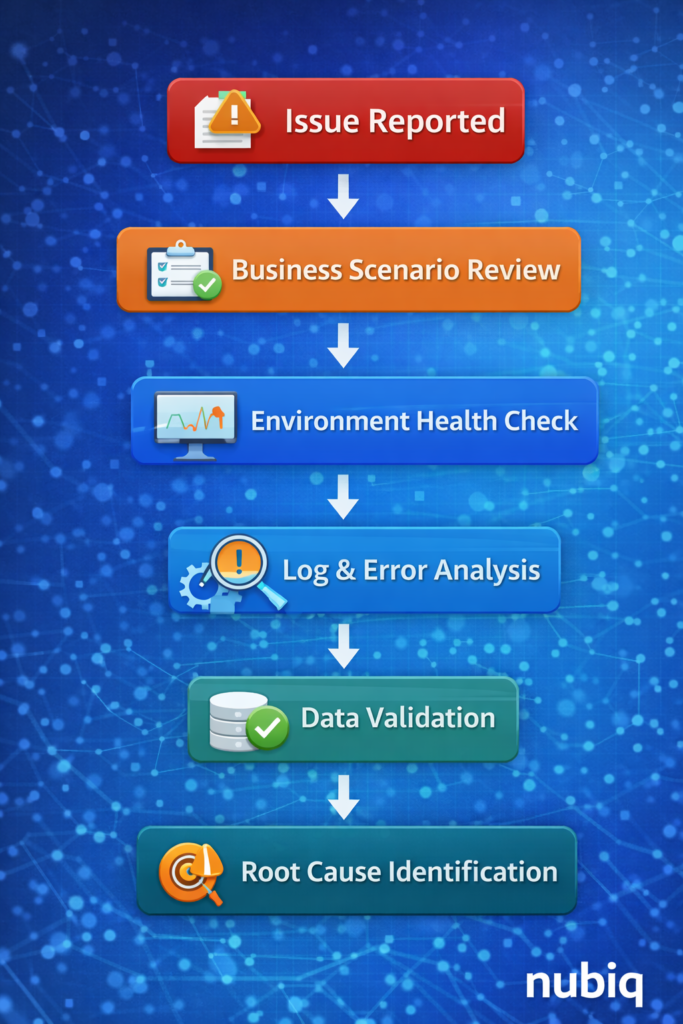
Step 1: Understanding the Business Scenario
The first step in any investigation is understanding the exact business scenario that triggered the issue.
Support engineers typically begin by gathering information such as:
• what operation was being performed
• when the issue started occurring
• whether the issue is consistent or intermittent
• whether the issue occurs in multiple environments
This step helps determine whether the issue is related to:
• system configuration
• customizations
• integrations
• data conditions
• platform behavior
Without a clear understanding of the business scenario, technical investigation becomes much more difficult.
Step 2: Reviewing Environment Health
Next, support teams review the overall environment health and system telemetry.
This may include examining:
• batch job activity
• integration message processing
• system resource usage
• environment performance metrics
These indicators help determine whether the issue is related to system load, infrastructure conditions, or background processing delays.
Step 3: Examining Application Logs and Error Messages
Many application-level issues leave traces in system logs.
Support engineers review information such as:
• error messages generated during processing
• batch job execution logs
• integration message logs
• system exceptions
These logs often reveal where the processing failed and which components were involved.
Step 4: Validating Data Conditions
In many cases, issues are related to unexpected data conditions rather than software defects.
Support teams may analyze the underlying data to determine whether:
• records are missing
• values are inconsistent
• data dependencies are not satisfied
Data validation often involves querying transactional tables or reviewing staging data used by integrations.
Step 5: Reproducing the Scenario
If necessary, support teams attempt to reproduce the issue in a controlled environment.
Reproducing the problem allows engineers to observe system behavior and determine whether the issue is caused by:
• configuration differences
• environment-specific data
• code behavior
This step is particularly useful for diagnosing complex scenarios that occur only under certain conditions.
Step 6: Identifying the Root Cause
Once sufficient information is gathered, engineers analyze the findings to determine the root cause of the issue.
In many cases, the resolution may involve:
• correcting data inconsistencies
• adjusting configuration settings
• updating integrations
• applying system fixes or patches
Understanding the root cause ensures that the issue can be resolved without causing further system disruption.
Final Thoughts
Troubleshooting enterprise Dynamics 365 Finance & Operations environments requires a structured approach that combines technical analysis with a clear understanding of business processes.
Microsoft Support teams rely on system diagnostics, environment monitoring, and data analysis to determine the root cause of complex issues.
Organizations that collect detailed diagnostic information and maintain strong operational visibility into their environments are better positioned to resolve issues quickly and maintain stable ERP operations.
Key Takeaways
• Troubleshooting begins with understanding the business scenario behind the issue.
• Environment health and telemetry help identify infrastructure or performance problems.
• Application logs provide valuable insight into processing failures.
• Data validation is often required to detect inconsistencies affecting system behavior.
• Reproducing the scenario helps confirm the root cause and identify the appropriate resolution.