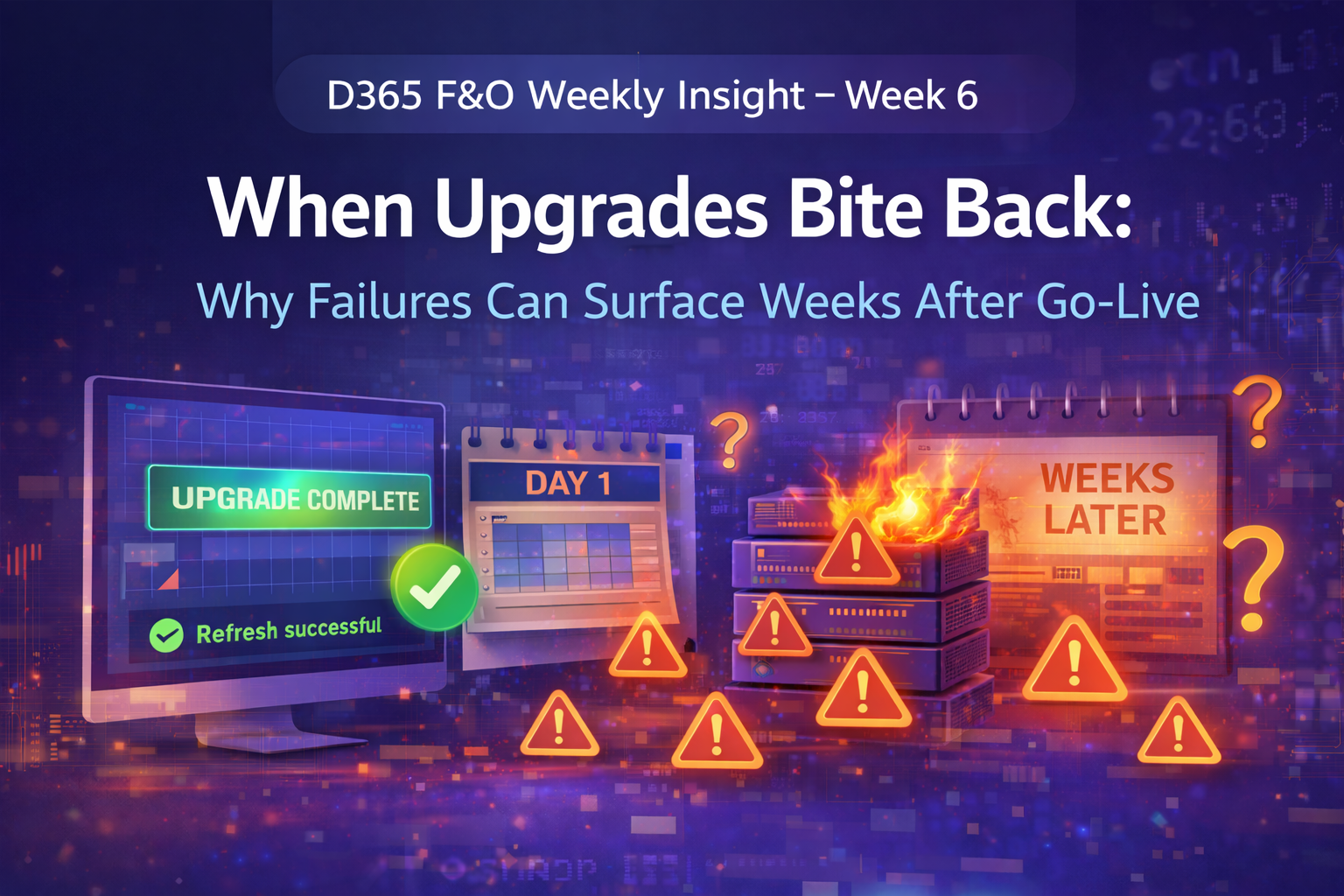
The Upgrade That Broke Nothing — Until It Did
Why some failures surface weeks after go-live
Not all upgrade failures happen on day one.
Some wait.
Quietly.
The situation
A D365 F&O platform upgrade completed successfully:
- No deployment errors
- Smoke tests passed
- Users resumed work
Weeks later:
- Batch jobs slowed
- Integrations became inconsistent
- Reporting refresh times doubled
Nothing pointed back to the upgrade — at first.
What actually changed
The upgrade introduced subtle shifts:
- Batch framework behavior
- Execution timing
- Resource contention patterns
Customizations still worked — but under new assumptions.
The system didn’t break.
It drifted.
Why delayed failures are hard to diagnose
Because:
- Logs look normal
- Code hasn’t changed recently
- Teams stop correlating issues with the upgrade
Symptoms appear disconnected from the cause.
Root cause
The real issue wasn’t the upgrade itself.
It was upgrade readiness gaps:
- Custom batch jobs tuned for old execution behavior
- Integrations dependent on timing side effects
- Reporting pipelines sensitive to processing order
The platform evolved — the custom logic didn’t.
How stability was restored
We revisited the upgrade with a production lens:
- Revalidated batch concurrency assumptions
- Retuned long-running jobs
- Reviewed integration throughput under load
- Tested reporting pipelines with realistic volumes
Once aligned with the new platform behavior, stability returned.
Final thought
Successful upgrades don’t end at deployment.
They end when production behavior is understood again.