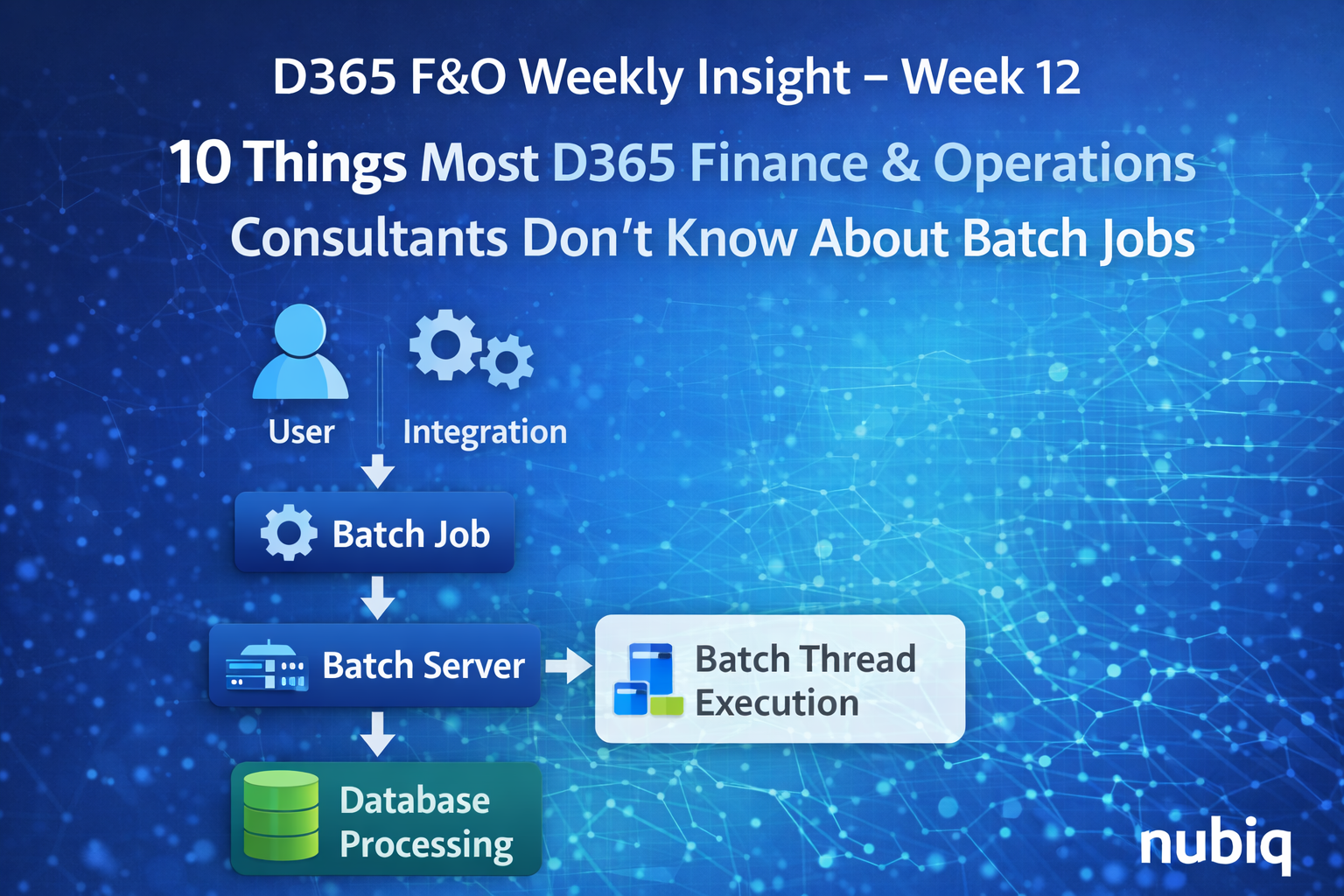
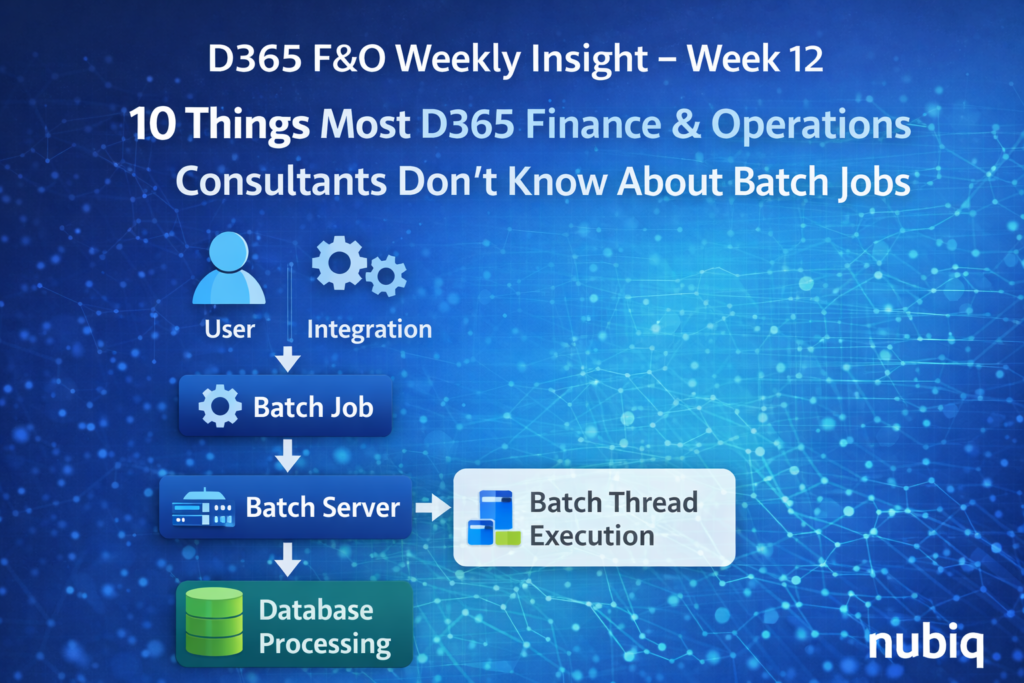
10 Things Most D365 Finance & Operations Consultants Don’t Know About Batch Jobs
Introduction
In enterprise Dynamics 365 Finance & Operations environments, a significant portion of business processing does not happen when users click buttons in the application.
Instead, it happens in the background through batch jobs.
Batch processing powers many critical operations such as:
• financial postings
• data integrations
• inventory updates
• reporting pipelines
• system maintenance tasks
Because these processes run behind the scenes, they are often overlooked during system design and troubleshooting.
Inside the D365 Batch Processing Engine
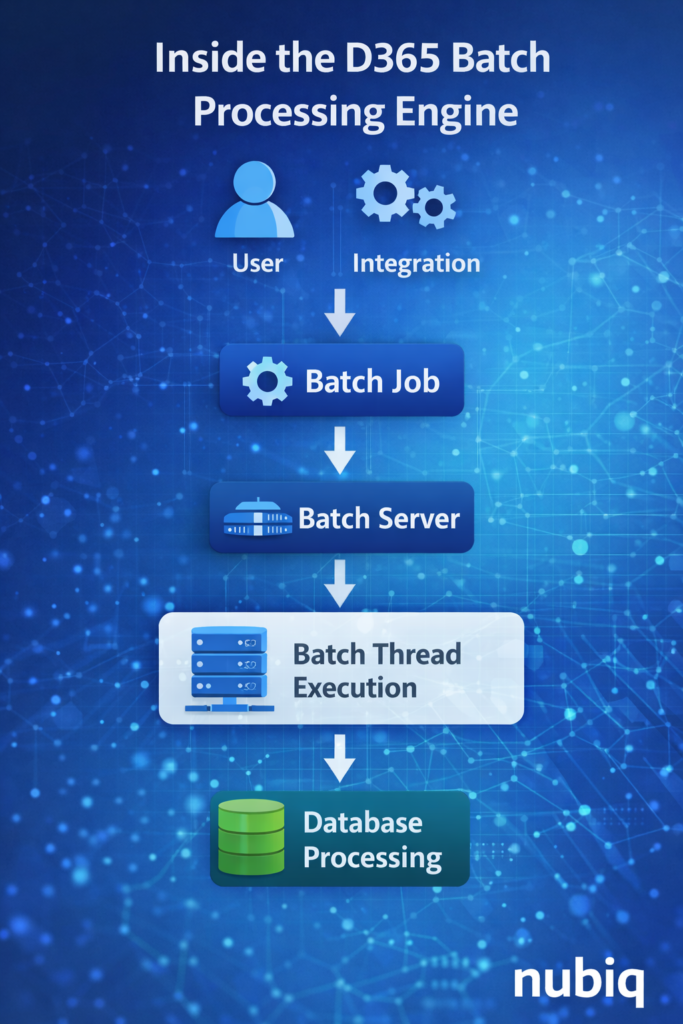
In this week’s insight, we explore ten important aspects of batch processing that many consultants encounter only after working in large enterprise environments.
1. Batch Jobs Are the Operational Backbone of D365
Many important processes rely entirely on batch execution.
Examples include:
• data management exports
• inventory settlements
• recurring financial processes
• integrations with external systems
If batch processing stops or slows down, critical business functions may silently stop working.
This is why enterprise teams closely monitor batch health as part of system operations management.
2. Batch Groups Control Workload Distribution
Batch jobs are typically assigned to batch groups, which determine where jobs run.
Batch groups help distribute workloads across available batch servers, allowing organizations to isolate heavy processing tasks.
For example:
• integration jobs may run in one batch group
• reporting exports in another
• financial processing in a separate group
Proper batch group design helps prevent heavy workloads from interfering with critical operations.
3. Batch Server Capacity Directly Affects System Performance
In large environments, the number of available batch server threads determines how many batch tasks can run simultaneously.
If too many jobs compete for limited batch resources, queues may form and processing delays can occur.
This is why enterprise environments carefully plan:
• batch server capacity
• thread configuration
• job scheduling windows
4. Some Jobs Appear Successful Even When Business Processing Fails
A batch job may show a technical status of “Ended” or “Succeeded”, yet still fail to complete the intended business process.
This happens when:
• the job finishes but processes incomplete data
• external dependencies fail
• partial processing occurs
This distinction between technical success and business success is an important concept in enterprise operations.
5. Batch Job Dependencies Are Often Overlooked
Many batch processes depend on other jobs completing first.
Examples include:
• data export jobs waiting for transaction posting
• reporting pipelines waiting for data transformation
• integrations waiting for staging tables to populate
If dependencies are not carefully managed, jobs may run in the wrong sequence.
6. Batch Scheduling Conflicts Can Create Hidden Bottlenecks
Enterprise environments often run hundreds of batch jobs each day.
If multiple heavy jobs start simultaneously, system resources may become overloaded.
This can result in:
• slow performance
• delayed integrations
• reporting pipelines falling behind schedule
Proper scheduling strategies help prevent these bottlenecks.
7. Batch Jobs Are Critical for Integration Pipelines
Many system integrations rely on scheduled batch jobs.
For example:
• data entity imports
• export pipelines
• synchronization jobs
If batch processing fails, integrations may stop delivering data even though the external systems are functioning normally.
8. Monitoring Batch Health Is an Operational Requirement
In mature enterprise environments, monitoring batch processing is considered part of system operations governance.
Teams typically monitor:
• failed jobs
• delayed executions
• long-running processes
• queue buildup
Proactive monitoring helps detect issues before they impact business operations.
9. Batch History Can Reveal Hidden Operational Patterns
The batch job history is a valuable diagnostic resource.
By reviewing execution history, teams can identify:
• jobs that gradually become slower
• unusual execution patterns
• recurring failures
This historical perspective helps identify system issues that may not be immediately visible.
10. Well-Designed Batch Architecture Improves System Stability
When batch processing is properly designed and monitored, it significantly improves system reliability.
Key design principles include:
• separating workloads into appropriate batch groups
• scheduling heavy jobs during off-peak hours
• monitoring batch server capacity
• documenting dependencies between jobs
Organizations that treat batch architecture as a core part of system design tend to experience far fewer operational disruptions.
Final Thoughts
Batch processing is one of the most important operational components of Dynamics 365 Finance & Operations, yet it is often underestimated during system implementation.
Understanding how batch workloads behave in real production environments helps teams design systems that remain stable as transaction volumes grow.
For enterprise D365 environments, batch architecture is not just a technical configuration — it is a critical element of operational reliability.
Key Takeaways
• Many critical D365 processes run through batch jobs rather than user actions.
• Batch groups and server configuration control workload distribution.
• Technical job success does not always mean business processing succeeded.
• Scheduling conflicts and dependencies can create operational bottlenecks.
• Monitoring batch health is essential for maintaining system stability.