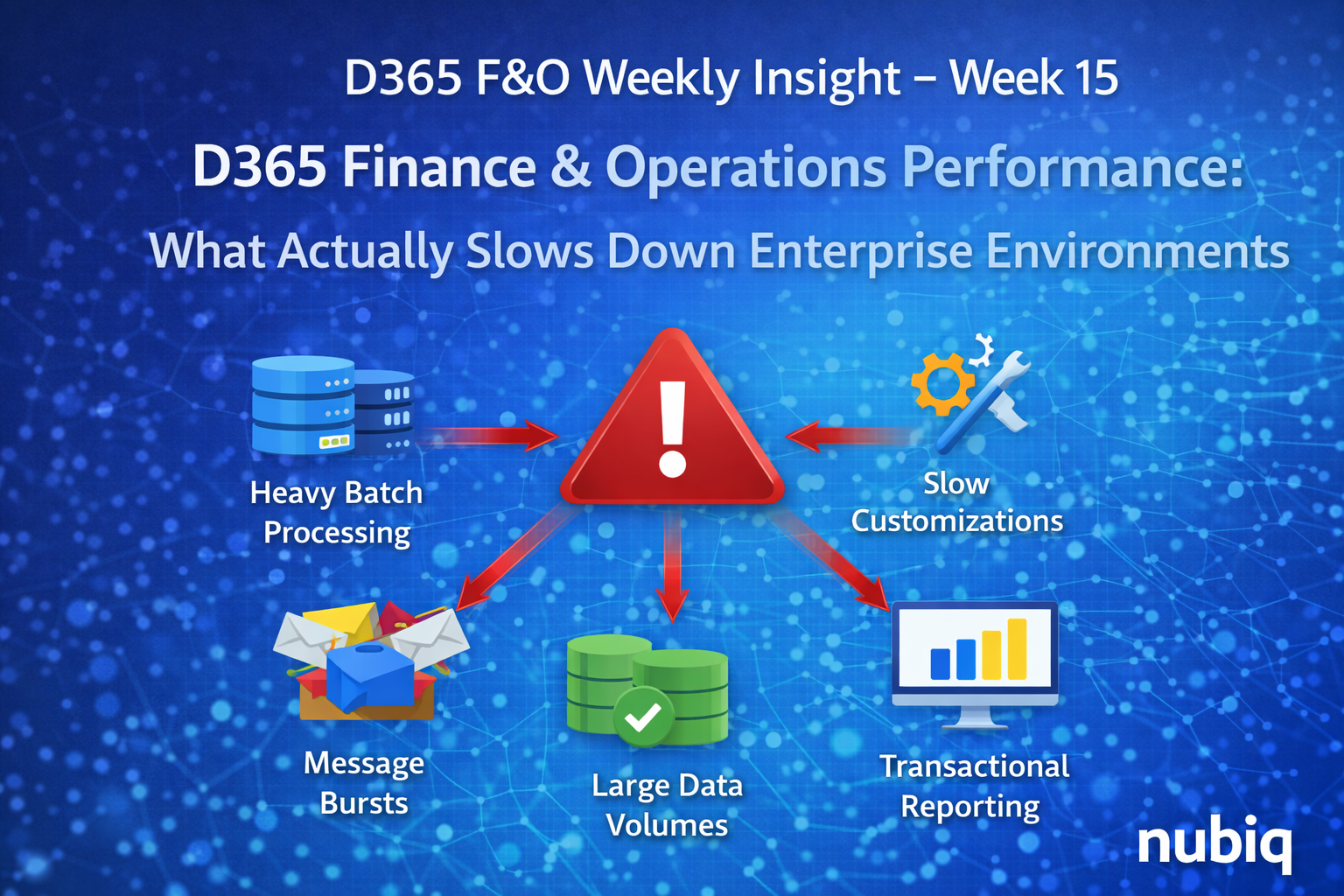
D365 Finance & Operations Performance: What Actually Slows Down Enterprise Environments
Performance is one of the most important factors in the success of any Dynamics 365 Finance & Operations implementation.
In small environments, performance issues are often easy to identify and resolve. However, in large enterprise deployments with thousands of users and complex integrations, performance problems can become much more difficult to diagnose.
Many organizations initially assume that performance issues are caused by system limitations or infrastructure constraints. In reality, performance challenges are often related to system design decisions, data growth, or processing architecture.
Understanding the common factors that affect system performance helps organizations maintain stable and responsive D365 environments as transaction volumes grow.
In this week’s insight, we explore several common areas that frequently contribute to performance slowdowns in enterprise Dynamics 365 Finance & Operations environments.
Heavy Batch Processing During Peak Hours
Batch jobs play a critical role in many D365 processes, including data exports, financial processing, and system maintenance tasks.
However, when multiple heavy batch jobs run during peak user activity periods, system resources can become heavily utilized.
This may lead to:
• slower transaction processing
• delayed integrations
• increased system response times
Carefully scheduling heavy batch jobs during off-peak hours can help maintain consistent system performance.
Poorly Optimized Customizations
Customizations that work well during development or testing may introduce performance issues when deployed to production environments.
Common examples include:
• inefficient database queries
• large loops processing large datasets
• unnecessary data retrieval
Custom code should always be reviewed with performance and scalability in mind, especially in environments processing large volumes of transactions.
Large Data Volumes and Table Growth
Enterprise ERP systems accumulate significant amounts of data over time.
Large tables can affect system performance in several ways:
• slower queries
• longer batch processing times
• increased index maintenance
Proper data management strategies, including archiving and retention policies, help maintain system performance as data volumes grow.
Integration Message Bursts
Many organizations integrate D365 with multiple external systems.
When large volumes of messages arrive simultaneously, integration pipelines may experience temporary processing delays.
This can affect:
• data synchronization
• transaction posting
• downstream reporting processes
Designing integrations with queue management and load distribution helps prevent these bursts from overwhelming the system.
Reporting Queries Running on Transactional Data
Directly querying transactional data for reporting purposes can create additional load on the system.
This is why most enterprise environments separate reporting workloads using architectures such as:
• data export pipelines
• data warehouses
• analytics platforms
Separating operational processing from reporting workloads helps maintain consistent application performance.
Final Thoughts
Maintaining strong performance in Dynamics 365 Finance & Operations requires more than simply scaling infrastructure.
Performance is influenced by many factors, including batch architecture, customization design, data growth, integration patterns, and reporting strategies.
Organizations that proactively monitor these areas and design systems with scalability in mind are better equipped to support growing transaction volumes while maintaining a responsive user experience.
Key Takeaways
• Performance issues often originate from system design decisions rather than infrastructure limitations.
• Batch job scheduling can significantly impact system responsiveness.
• Customizations must be optimized for large transaction volumes.
• Data growth requires proactive management strategies.
• Separating reporting workloads from transactional processing improves system performance.